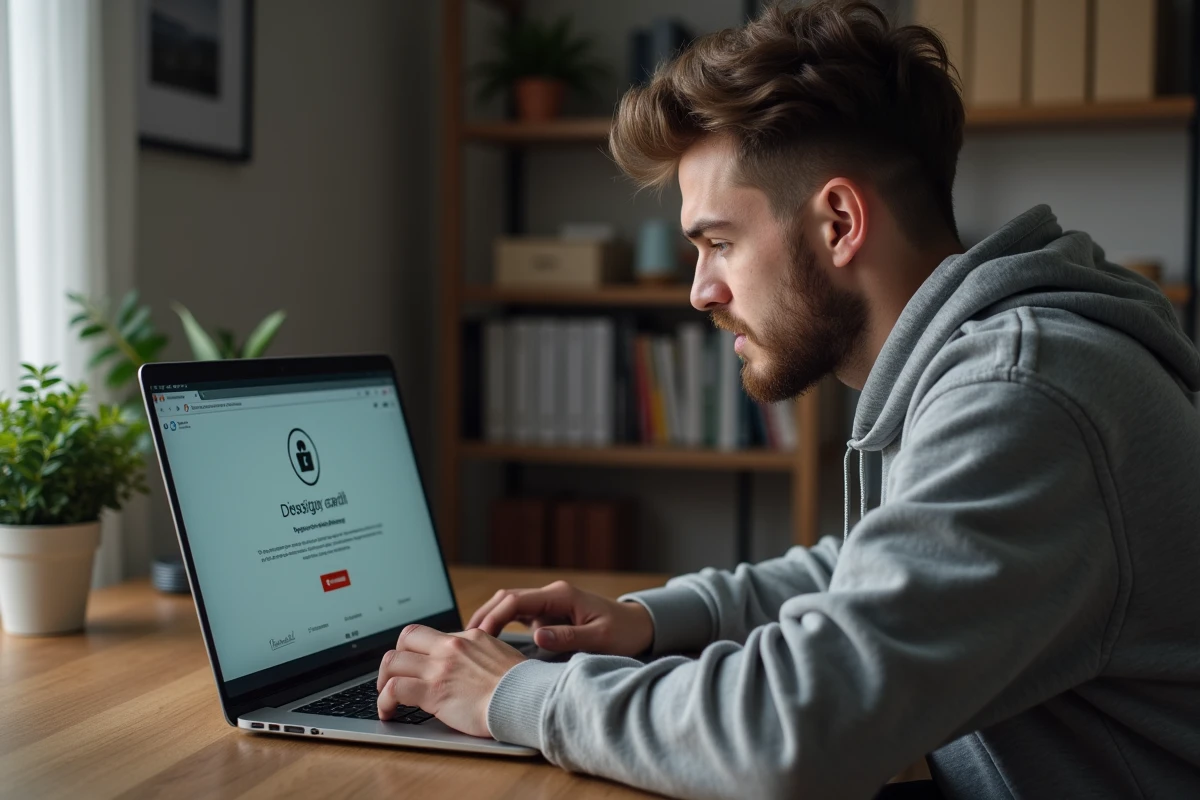
You are trying to launch a video on Uqload.cx and the page displays a connection error. The usual reflex is to think that the site is blocked by a French internet service provider. In many cases, the problem lies elsewhere: a down mirror, a fake domain, or a simple browser security filter can cut off access.
Dead mirror, fake domain, or browser filtering: diagnosing the real cause
Before looking for a workaround, the first step is to check if Uqload.cx is actually blocked. A server outage, an expired domain name, or an invalid SSL certificate produces exactly the same error message as a ISP block.
You may have noticed that some links to Uqload point to slightly different addresses (.co, .com, .cx)? Many of these variants are unofficial mirrors. A dead mirror simulates a block while the main domain is operational. To distinguish between the two situations, test access from a mobile network on 4G or 5G. If the page displays on your phone but not on your router, it’s probably a DNS filtering issue from your ISP.
Modern browsers also have their own security filters. Chrome, Firefox, and Edge automatically block sites whose HTTPS certificate is expired or missing. In this case, the browser displays a security warning, not a message from the internet service provider. Check the exact error message before changing anything.
A detailed guide explains how to bypass Uqload cx blocks in France by distinguishing the different types of restrictions encountered depending on the network used.

Changing DNS to access Uqload.cx without a VPN
When the block comes from DNS filtering imposed by an ISP, the quickest solution does not involve a VPN. Simply replace the default DNS servers of your router with public servers that do not filter the same domain lists.
Classic DNS or encrypted DNS: the concrete difference
A classic DNS (that of your ISP) transmits your requests in clear text. Your internet provider can read every address you request and decide to block it. DNS-over-HTTPS (DoH) encrypts these requests directly in the browser.
In practice, enabling DoH in Firefox takes just a few clicks: Settings, then Privacy & Security, then DNS-over-HTTPS. DoH prevents your ISP from seeing the domains you visit. This method works on computers, iPhones, and Android devices without needing to install additional software.
Limitations of changing DNS
Changing DNS does not mask your IP address. If Uqload.cx itself blocks certain ranges of French IP addresses, this method will not be sufficient. However, it remains the first to test because it does not slow down the connection and requires no subscription.
VPN and access to Uqload.cx: what really works
A VPN creates an encrypted tunnel between your device and a server located in another country. All your traffic passes through this server, including DNS requests. The ISP only sees the connection to the VPN, not the sites visited.
To access Uqload.cx, the choice of server matters. A server located in the Netherlands or Germany generally yields better results than an American server, due to geographical proximity which reduces latency when loading videos.
- Enable the VPN kill switch feature: it cuts off the internet connection if the VPN tunnel drops, preventing your real IP from being revealed to the site
- Prefer the WireGuard or OpenVPN protocol, which offers a good balance between speed and encryption for video streaming
- Avoid free VPNs that inject ads or sell browsing data, which negates the benefit of encryption
Combining VPN and DoH represents the most reliable configuration today. The VPN masks the IP address, and DoH encrypts DNS requests. This double layer makes filtering by the ISP practically ineffective.

Access on Smart TV and connected devices: a often overlooked angle
The majority of guides address the topic from the perspective of computers or smartphones. On a Smart TV, the situation is different: installing a VPN is not always natively possible, and integrated browsers do not offer DoH.
Two approaches work. The first is to configure the VPN directly on the router. All devices on the home network then pass through the encrypted tunnel, including the television. The second uses applications like Web Video Caster, which allow streaming a video from a phone to the TV while benefiting from the active VPN on the mobile.
- On Android TV, some VPN providers offer dedicated apps compatible with the remote control
- On Samsung Tizen or LG webOS TVs, going through the router remains the most stable method
- The TVBro browser, available on Android TV, allows manual navigation to Uqload.cx if the site app does not exist
Common errors that prevent connection to Uqload.cx
Some actions worsen the problem instead of solving it. Using a free web proxy for video streaming is rarely viable: the bandwidth is insufficient and the connection drops after a few minutes.
Another common pitfall: changing the DNS settings on the internet box without restarting the connected devices. The local DNS cache retains old resolutions for several hours. A simple restart of the browser or device forces the new DNS servers to be taken into account.
Typing “uqload” into a search engine also brings up clones that mimic the interface of the original site. These fake domains display intrusive ads or redirect to phishing pages. Always check that the URL exactly matches the expected domain before entering any information.
Bypassing a block on Uqload.cx relies less on a miracle tool than on correct diagnosis. Identifying whether the problem comes from DNS, an outdated mirror, or a browser filter guides towards the right method, without installing unnecessary software or compromising the security of your connection.