
Watching a movie or series offline is often the most comfortable solution for a train journey, an evening without Wi-Fi, or a weekend in the countryside. The principle is simple: you download the video file to your device, then you play it without relying on the network. The question remains where and how to download this content without any unpleasant surprises.
Legal or illegal downloads: what French law really imposes
Before discussing methods, it’s important to set a framework. In France, copyright protects films and series from the moment of their creation. Downloading a work without the consent of its rights holders constitutes infringement, which is subject to penalties.
Related reading : How to Easily Connect While Traveling in Paris?
ARCOM (formerly Hadopi) actively monitors file sharing on peer-to-peer networks. Since the transposition of the European directive 2019/790 on copyright, ARCOM obtains dynamic blocking orders against illegal sites. These orders apply to mirror domains without needing to go back to court each time, making unauthorized download sites very unstable: an address may work one day and disappear the next.
This changes the game for users. Even if you find a site offering free movies, its longevity is never guaranteed. You may also encounter malicious ads, corrupted files, or spyware. For those looking to download from the gktorrent site, caution is advised: always check the reliability of the source and use up-to-date antivirus software.
Related reading : How to Easily Connect to Educational Portals in Besançon
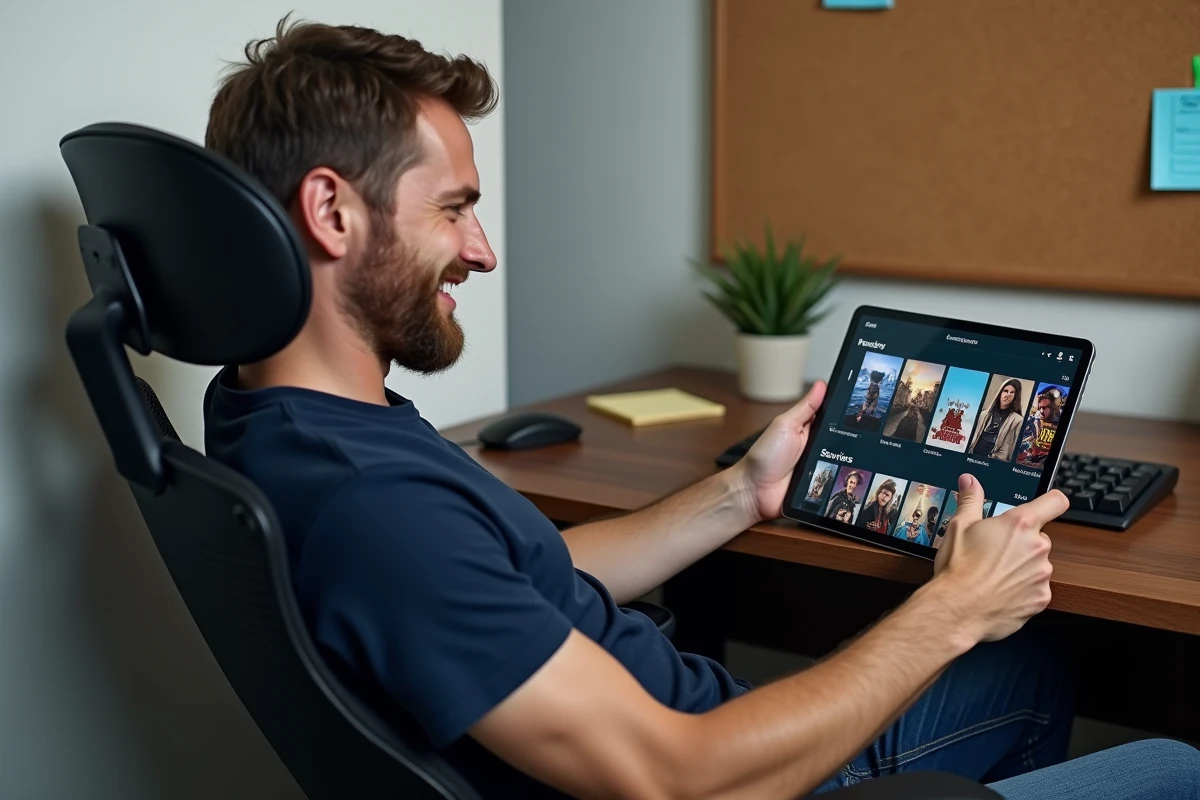
Video on demand platforms: download a movie in just a few clicks
The most reliable method for downloading movies and series remains the use of video on demand (VOD) platforms. Netflix, Amazon Prime Video, Disney+, and Canal+ all offer an offline download feature in their mobile apps.
How downloading works on these platforms
The principle is the same from one service to another. You open the app on your tablet or smartphone, search for the desired title, then tap the download icon. The video file is stored locally, playable without an internet connection.
Have you noticed that some titles do not display this icon? That’s normal. Download rights vary according to the licensing agreements between the platform and the producers. A movie available for streaming may not necessarily be available for download.
Download limits and automatic detection
Since 2024, major platforms have strengthened the detection of unusual downloading behaviors. Multiple devices, an abnormal number of downloaded titles, repeated reinstallations of the app: these signals can trigger a temporary suspension of the download function, without blocking the account.
This information is rarely included in consumer tutorials. In practice, if you share your subscription across multiple devices, limit the number of simultaneous downloads to avoid this restriction.
Free and legal alternatives for downloading videos
Paid platforms are not the only option. Several services offer movies and videos for free, in compliance with copyright law.
- Public domain films: sites like Internet Archive host thousands of classics whose rights have expired. You will find silent films, old documentaries, and works that have entered the public domain, downloadable without restriction.
- Free content on platforms: some platforms like Rakuten TV offer a catalog of free movies funded by advertising, sometimes with an offline download option.
- YouTube videos with Premium download: a YouTube Premium subscription allows you to download videos for offline viewing. Without a subscription, downloading YouTube videos via third-party tools raises legal questions, as the platform’s terms of use prohibit it.

Video format and quality: choosing the right setting before downloading
Downloading a movie also means choosing a format and a quality level. This choice has a direct impact on the storage space of your device.
On streaming apps, you usually have two or three options: standard quality, high definition, or even ultra-high definition. A movie in HD takes up several times more space than in standard quality. On a smartphone with limited storage, downloading three HD movies can fill up the memory.
Which format for which use
For viewing on a smartphone during a journey, standard quality is more than sufficient. The screen is small, and the visual difference with HD is minimal. Reserve high definition for a tablet or laptop with a larger screen.
On free download sites (public domain, for example), files are often offered in MP4 or MKV format. MP4 is playable on almost all devices without needing to install additional software. MKV sometimes offers better quality but requires a compatible player like VLC.
Permissions and storage on Android and iOS
On recent versions of Android and iOS, apps must explicitly request access to storage to save video files. If you deny this permission, the download will fail without a clear error message.
Check in your phone’s settings that the streaming app has permission to write to internal storage or the SD card. On Android, you can also choose the default storage location (internal memory or external card) in the app settings.
Another point to watch: files downloaded from VOD platforms are protected by digital rights management (DRM). They can only be played in the original app. You cannot copy them to a USB drive or play them with another player. This system protects copyright, but it also means that your downloads disappear if you cancel your subscription.
Downloading movies and series is not complicated when using the right tools. Legal platforms remain the safest choice, with wide catalogs and controlled quality. For free classics, the public domain offers a library that is often overlooked. In any case, keep an eye on your device’s storage space and the permissions granted to apps.