
For students, a reliable internet connection is essential for success in their studies. Between online classes, academic research, and communications with professors and peers, good connectivity is no longer a luxury but a necessity. Network issues can quickly become a nightmare, especially during exams or important assignments.
Fortunately, there are practical tips to optimize this connectivity. Switching to a wired connection, choosing a good location for the router, or using signal repeaters are some of the effective strategies. These measures can make all the difference in staying productive and avoiding frustrating interruptions.
Further reading : How to Easily Download Your Favorite Movies and TV Shows
Best Practices for Improving Your Internet Connection
For students, optimizing internet connectivity is fundamental to keeping up with their studies. Here are some practices to improve your connection.
Choose the Right Location for the Box
The box should be placed about 1.5 meters off the ground in an open area. The Arcep recommends positioning it in the center of the home for better coverage. A central location limits obstacles, such as walls or furniture, that can disrupt the signal.
You may also like : Optimize Your Business's Administrative Management with a Specialized Agency
Use Suitable Equipment
Your computer should be compatible with the latest standards to avoid bottlenecking data arrival. For a more stable connection, prefer a Ethernet cable over Wi-Fi. The Wi-Fi signal can be disrupted by obstacles or other devices using the same frequencies.
- Wi-Fi Repeater: Captures the signal and retransmits it, cleaned and amplified.
- Powerline Kit: Allows the signal to pass through the electrical network.
Optimize Security
An antivirus installed on your computer can improve performance by eradicating malware. According to UFC-Que Choisir, a secure connection free of malicious software is more efficient.
Check Available Services
Check if your student residence, like those offered by Osmozis, provides Wi-Fi and fiber optic solutions. The university residence should offer a stable and high-performance Internet connection for students. If you live in Néo Yvelines, inquire about the available infrastructure to benefit from optimal bandwidth.
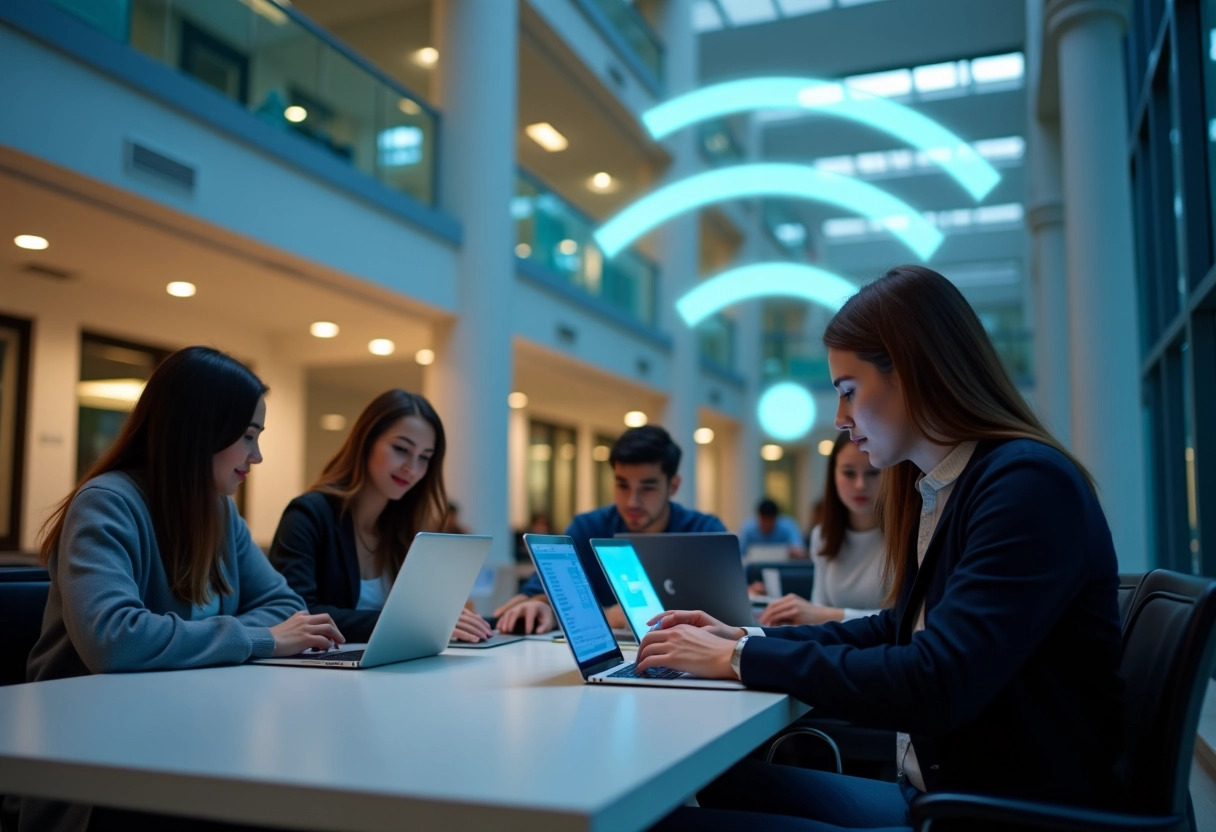
Equipment and Solutions for Optimal Connectivity
For students, having a reliable internet connection is essential. Here are some equipment and solutions for optimal connectivity.
Ethernet Cable and Powerline Kit
For a more stable connection than Wi-Fi, use an Ethernet cable. It allows you to connect your computer directly to the box, ensuring faster data transmission without interference. If the location of your box does not allow for a direct connection, the Powerline Kit is an effective alternative. It transmits the internet signal through the electrical network of your home, ensuring a high-performance connection even at a distance.
Wi-Fi Repeater and Repeater Solutions
To extend the coverage of your network, the Wi-Fi repeater is an essential solution. It captures the signal from your box and re-emits it, cleaned and amplified, which improves the range and quality of the connection. This device is particularly useful in large rooms or multi-story homes.
Fiber Optic
Fiber optic represents a major technological advancement. It allows for significantly higher speeds than ADSL, with reduced latency times. Students living in homes equipped with fiber, such as those offered by Osmozis, enjoy optimal connectivity for their studies.
Request a Newer Box
Your Internet Service Provider (ISP) can provide a newer box upon request. These next-generation boxes are often more efficient, with better Wi-Fi management and increased compatibility with modern technologies. Don’t hesitate to contact your ISP to check the availability of an upgrade.
These equipment and solutions are essential to ensure a reliable and high-performance internet connection, tailored to the needs of students.